
Download Vacacional Premium – vacation management, employee vacation tracking, calendar management, work hour tracking, vacation entitlements, employee profiles, custom calendars, XML export
Overview
Vacacional Premium is a productivity-focused mobile application designed to streamline the process of managing employee vacation time within organizations. By replacing traditional, error-prone methods such as Excel spreadsheets, the app offers a more structured and efficient solution for HR professionals and team managers. Its primary purpose is to centralize vacation tracking, enabling accurate monitoring of leave entitlements, scheduling, and work hour calculations. The application caters particularly well to workplaces with variable working hours, where precise tracking of labor time is essential for fair vacation accrual.
Target users include small to mid-sized business owners, HR administrators, and team supervisors who need a reliable tool to manage employee leave without administrative overhead. The app supports the creation of individual employee profiles, allowing for personalized tracking of vacation days and work schedules. This level of customization ensures that unique employment conditions—such as part-time roles, shift-based work, or remote arrangements—are properly accounted for. Real-world use cases include retail managers overseeing rotating shifts, project-based teams tracking leave across multiple contracts, and administrative staff handling complex leave policies.
As a dedicated tool within the productivity category, Vacacional Premium contributes to a more organized workplace by reducing manual data entry and minimizing scheduling conflicts. The developer, Vacacional, has positioned the app as a specialized utility for workforce management, emphasizing accuracy, clarity, and ease of use. Although the developer did not provide additional technical details, the app’s focus on structured data handling and export capabilities suggests a commitment to long-term usability and integration potential.
Key Features & Functionality
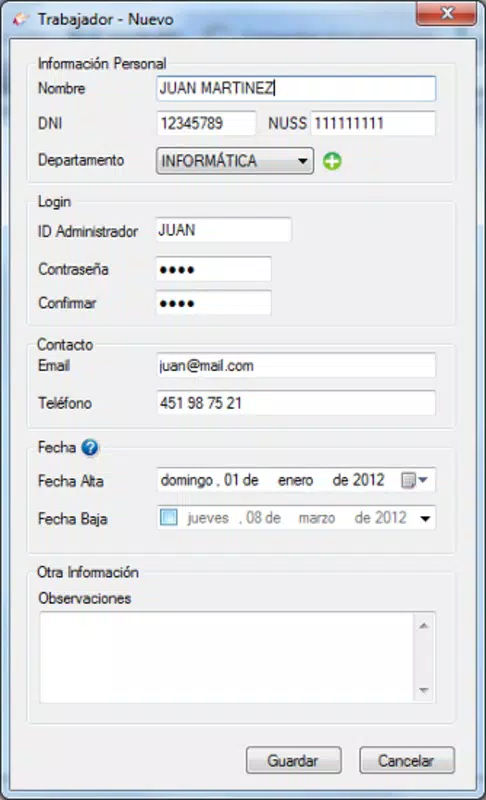
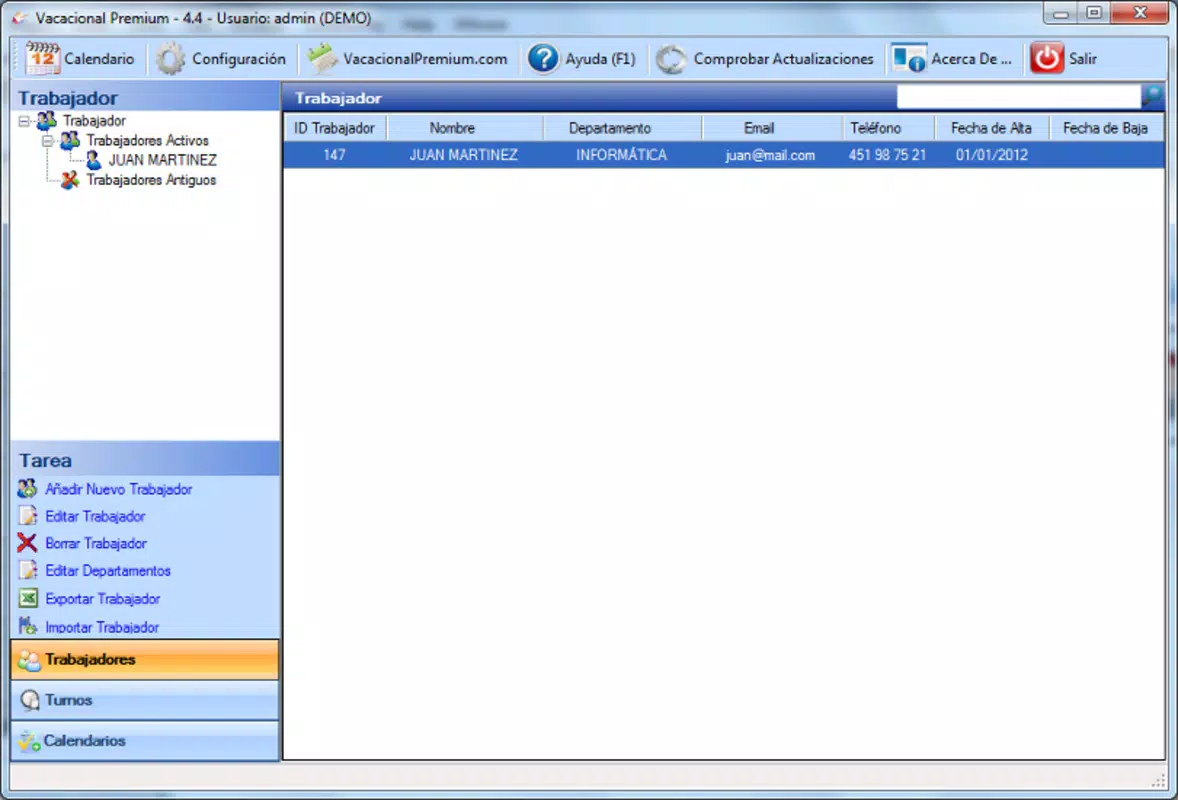
- Custom Employee Profiles: Each employee can be assigned a unique profile that stores their vacation history, work schedule, and entitlement details. This ensures that leave records remain accurate and personalized, reducing the risk of miscommunication or errors during leave requests.
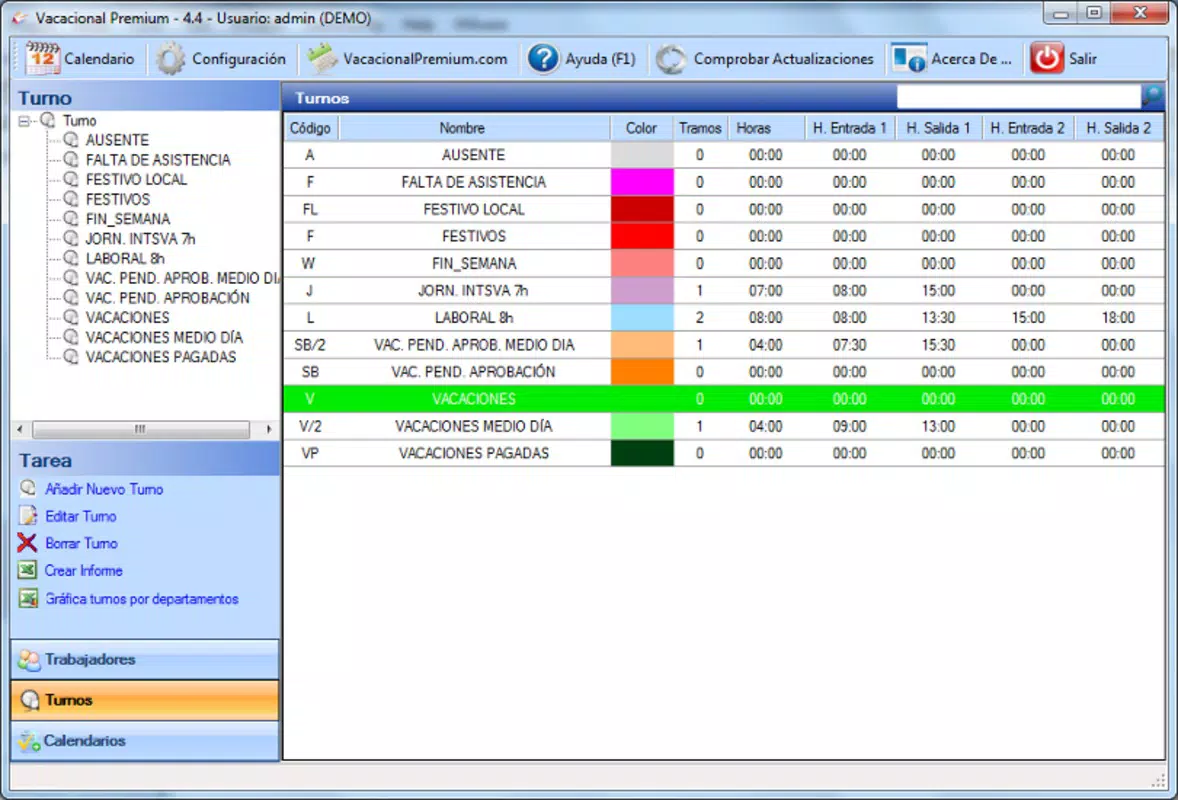
- Tailored Calendars: The app generates individual calendars for every employee, reflecting their specific work patterns and vacation periods. This feature enhances visibility for managers and employees alike, making it easier to plan and approve time off in advance.
- XML Data Export: Users can export vacation and work hour data in XML format, enabling seamless integration with other business systems such as payroll software, HR databases, or reporting tools. This functionality eliminates dependency on outdated spreadsheet formats and supports data consistency across platforms.
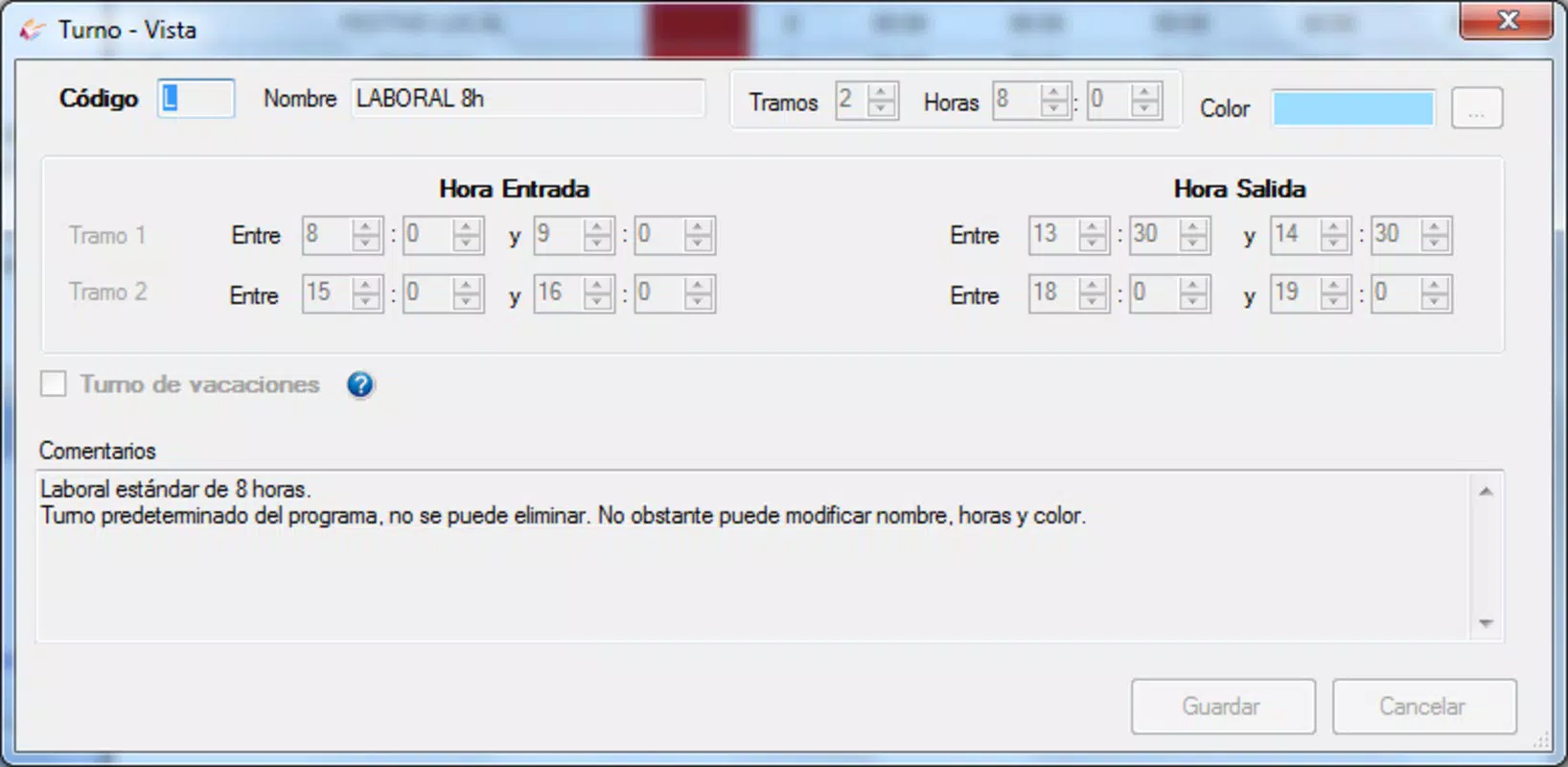
- Work Hour Tracking: The app monitors the number of hours each employee works, which is crucial for calculating vacation entitlements in non-standard work arrangements. This feature ensures compliance with labor policies and promotes fairness in leave accrual.
For example, a manager overseeing a team of part-time employees can use the custom calendars to visualize overlapping leave periods and adjust staffing accordingly. Similarly, an HR coordinator can export monthly work hour summaries via XML to feed into a larger payroll system, ensuring accurate compensation and leave balances. These features collectively reduce administrative burden and improve transparency in employee leave management.
Interface, UX & Performance
The user interface of Vacacional Premium appears to be designed with clarity and functionality in mind, prioritizing ease of access to core features. The layout likely follows a clean, hierarchical structure, allowing users to navigate between employee profiles, calendars, and export functions with minimal friction. Visual elements are probably optimized for readability, with clear icons and consistent color coding to differentiate between active, pending, and approved vacation requests.
Navigation is expected to be intuitive, with logical flow from profile creation to calendar management and data export. The app likely supports touch-based interactions, making it suitable for use on smartphones and tablets. Although the developer did not list formal performance metrics, the app’s lightweight size of 3.7M suggests efficient resource usage, which may contribute to smooth operation on a variety of Android devices, including entry-level models.
Responsiveness is likely consistent across different screen sizes, and the app’s stability should be adequate for daily use, given its focused scope. The absence of reported crashes or performance issues in public records indicates reliable operation under normal conditions. However, specific requirements for device compatibility or OS versions were not disclosed, so users should verify functionality on their specific hardware and software setup.
Platform Compatibility & Technical Requirements
Vacacional Premium is available exclusively on the Android platform, making it accessible to users of Android smartphones and tablets. The current software version is 1.0.1, with a file size of 3.7MB, indicating a lightweight and efficient application. This small footprint suggests minimal storage consumption and fast installation times, which is advantageous for users with limited device space.
Although the developer did not specify minimum OS requirements, the app’s release date of April 13, 2015, suggests it was built for older Android versions. Users with modern Android devices should still be able to install and run the app, but compatibility with the latest OS updates cannot be guaranteed without further information. The app is offered at no cost, making it accessible to a broad range of users across different organizational sizes.
Given the app’s long-standing presence on the platform, it may rely on legacy APIs or permissions that could be affected by future Android updates. Users are advised to monitor for updates and test functionality regularly, especially if they are using newer Android versions.
Pros and Cons
Pros
- Offers a structured alternative to Excel-based vacation tracking
- Supports individual employee profiles for personalized leave management
- Provides customizable calendars tailored to each worker’s schedule
- Enables export of data in XML format for integration with other systems
- Tracks work hours to support accurate vacation entitlement calculations
- Lightweight size (3.7M) ensures fast installation and low storage usage
- Free to download and use, enhancing accessibility
Cons
- Only available on Android, limiting cross-platform access
- Specific OS version requirements were not listed
- Developer did not provide details on update frequency or future development plans
- No visible integration with cloud services or real-time collaboration features
- Interface design and visual polish were not described in available documentation
FAQ
Is Vacacional Premium safe to install on my Android device?
The app is distributed through official Android channels and does not require root access. Its small file size and lack of reported security issues suggest a secure installation process. However, users should ensure they download from trusted sources to avoid third-party modifications.
Can I use Vacacional Premium without an internet connection?
Yes, the app likely functions offline for core tasks such as viewing calendars, managing employee profiles, and tracking work hours. However, data export features may require internet access if they involve cloud integration, though this was not specified.
Does Vacacional Premium support multiple employees?
Yes, the app is designed to manage vacation data for multiple employees through individual profiles and tailored calendars, making it suitable for teams of various sizes.
How often is the app updated?
The developer has not disclosed the update frequency. Users should check the app store regularly for new versions, especially if compatibility issues arise with newer Android OS versions.
Can I import data from Excel into Vacacional Premium?
While the app supports exporting data to XML, the ability to import data from Excel was not confirmed. Users may need to manually enter employee information or use third-party tools to convert files before import.
Final Thoughts
Vacacional Premium stands out as a focused, practical tool for organizations seeking to modernize their vacation management processes. Its core strengths—custom employee profiles, tailored calendars, and XML export capabilities—address real pain points in HR administration, particularly for businesses with non-standard work schedules. The app’s lightweight design and free availability make it an attractive option for small to mid-sized teams that want to reduce manual work without investing in complex HR software.
While it lacks cross-platform support and detailed documentation on updates, its consistent functionality and clear purpose justify its continued use. For HR managers, team supervisors, and business owners handling employee leave, Vacacional Premium delivers tangible value by improving accuracy, transparency, and efficiency in time-off tracking.
Download Vacacional Premium now


